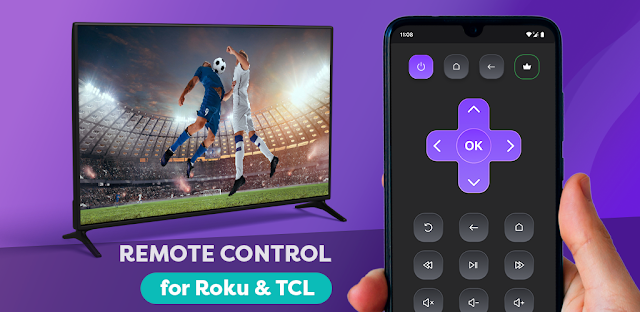
The practice schedule is open on my phone, dinner is nearly done, and the TV remote has vanished again. That is when a phone remote can earn its place: you already have your phone in hand, so you can try to control the TV without rummaging through a drawer. For a smart home with a shared living-room screen, keeping one less small remote in circulation is a practical appeal.
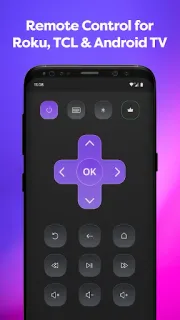
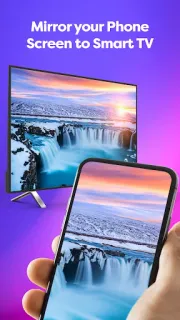
Remote Control for Roku & TCL is designed for Roku, TCL, Hisense and Insignia smart TVs, along with Roku streaming devices such as Streaming Stick, Express, Player and Box. The app turns the phone into a remote, and it also offers screen sharing and casting videos to a TV. If you usually open a laptop to show a clip to the room, casting from your phone may be a simpler route when the setup works for your devices.
The first few minutes are the part to approach patiently. Open the app and follow its connection prompts; have the TV on and accessible so you can check whether the phone can find the right device. The app's description says it connects automatically with Roku, but that does not make every home setup identical. Ads are included, and some features may involve in-app purchases, so review any purchase prompt before continuing. Screen sharing and casting are separate from basic remote control, so try the control function first, then check those options if they matter to you.
I would consider installing it if your TV is one of the named brands and you want a backup remote plus phone-based viewing options. Skip it if you need a guaranteed fit for an unlisted TV, or if you want a remote app without ads or purchase prompts. Keep the TV's own remote nearby while you check the connection and buttons. If that trade-off suits your setup, the Google Play button just below is the place to start.
 How-toRemote Control for Rоku &