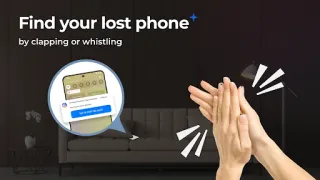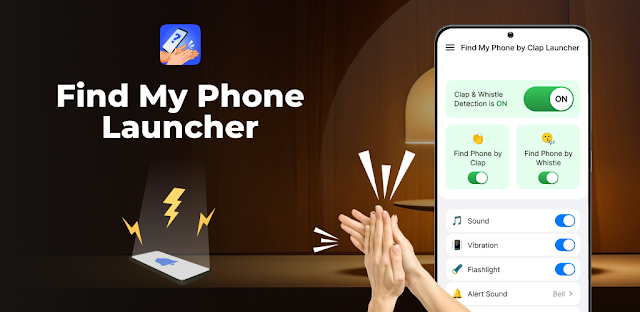
You set your phone down before walking into another room, then the doorbell rings or a practice reminder pulls you away. Later, you can’t remember whether the handset is on the counter or tucked under a jacket. Clap or whistle detection is aimed at that sort of nearby search: make a sound, then follow the phone’s alerts rather than retracing every step.
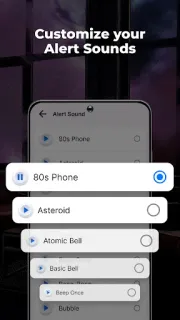
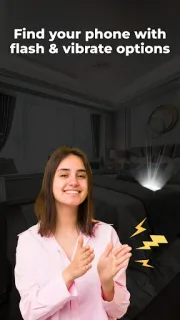
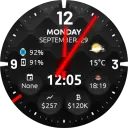
The app is also a launcher, so it can change how the home screen is arranged. Its description says a rightward swipe from the home screen can open clap or whistle detection. When it responds, the phone can make a sound, vibrate and flash. A home-screen widget offers time and weather, and themed wallpapers give you ways to personalize the screen. Search tools cover installed apps and the web, with web search powered by Yahoo. These extras may be useful, but the central job is locating a phone you can reach with a clap or whistle.
Treat this as a nearby-finder, not a way to locate a phone across town. The trigger depends on the handset being able to detect your sound, and the alerts help only if you are close enough to hear, see or feel them. A weak connection is less central to the basic idea than it is to web search and weather; those connected extras can be less useful when reception drops. The app contains ads, and the home-screen layout may change after installation. Check its permissions and launcher choices before making it your default screen, and make sure you are comfortable switching back if the new layout gets in your way.
I’d consider it if I often leave my phone nearby while cooking, sorting sports gear or getting ready to head out, and I’m willing to adjust a launcher. I’d skip it if I want to preserve my current home screen exactly, or need a finder that works from far away. It won’t help much when the phone is out of earshot or its alerts are hard to notice. If that trade-off suits you, the Google Play button just below is the place to check the listing before you install.