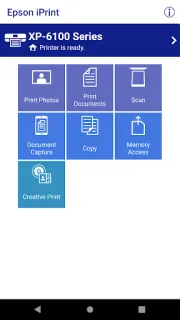
A form arrives while you’re sorting a practice schedule, and the only copy you need is on your phone. Epson iPrint can send an email attachment or stored file to a nearby Epson printer, so the job can stay in the moment instead of becoming a reminder to find a computer later. It’s most useful for routine household or team paperwork when your printer is already set up and reachable.
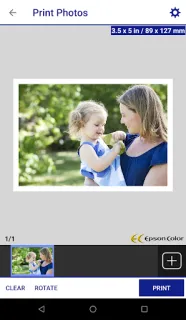
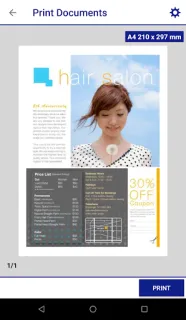
The app handles photos, PDFs, webpages, email attachments and Microsoft Word, Excel and PowerPoint files. Office documents need access to Google Drive so they can be rendered as printable PDFs. You can also scan from an Epson all-in-one, save or share the result, copy a page using a nearby printer, or capture a document with your phone camera and adjust it before saving. Printer status and ink levels are available in the app, too. For a file you need while away, remote printing works with email-enabled Epson printers. That makes it a practical companion to a laptop, not a replacement for one when you need extensive document editing.
The main limit is compatibility: this is for Epson printers, and remote printing depends on an email-enabled model. Printing Office files brings a Google Drive access requirement, while scanning and copying need a compatible Epson all-in-one or nearby printer. The app is free to install, but printing still uses paper and ink, and remote use depends on the printer and its setup. If you use a wireless printer from another brand, this isn’t the right tool.
I’d install it if an Epson printer is part of your normal routine and you often need to print, scan or copy without opening a laptop. Skip it if you don’t own an Epson printer, or if your only need is editing documents on your phone. Check that your printer fits the job, then use the Google Play button just below to open the listing.