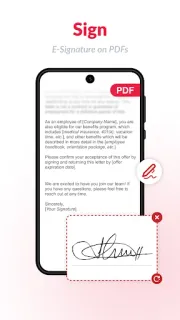
A form lands in your messages while you’re between practice and the next stop. I’d use this app to open it, fill fields, add a signature and save the finished PDF on the phone, rather than wait for a laptop. That quick handoff is where the app earns its place: the core jobs sit together, so there’s less bouncing between a viewer, scanner and signing tool.
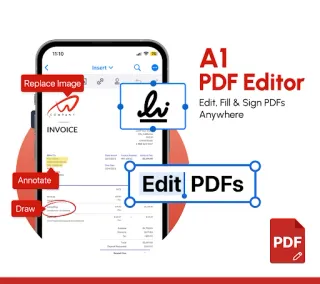
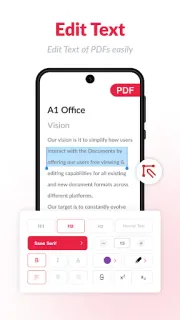
The feature list goes beyond reading. You can scan paper or turn an image into a PDF, add or edit text and images, annotate with highlights and comments, fill forms, and create an e-signature. Page tools include reorder, rotate, replace, insert, copy and delete; merge, split, compress and conversion tools cover common file tidying. It also offers file sorting, renaming, bookmarks and favourites. That can help with a small project management pile of forms, though it is not a full document-control system. I’d check the edited page carefully before sharing, especially if the original has cramped text or a complex layout.
The first snag is that “edit PDF” can mean different things. Adding text or a signature is a straightforward fix; changing existing text or images may need a careful visual check to make sure spacing and layout still look right. Ads are part of the app, and in-app purchases are offered, so check what is included before settling into a regular workflow. Scanning uses the phone camera, and opening or saving documents involves choosing files on the device. For sensitive paperwork, decide whether you’re comfortable handling it in a phone app before you start. Don’t treat an edited copy as proof that every field or page stayed intact.
I’d install it for occasional forms, signatures, scans and simple page edits, especially when I need to finish a document away from a computer. It may also suit a small invoicing task where the job is to add details to a PDF and send it along, not manage a whole billing process. I’d skip it for complex layout work or a workflow that depends on extensive review and control. Check the Google Play button just below for the app’s listing details before you install.