
A practice plan changes just before you leave, and one small Java edit needs attention on the way out. Code Studio gives you an editor and terminal on the phone, so you can inspect a file or try a console command without opening a laptop. I’d treat it as a handy option for a focused fix, not a replacement for a full desktop setup. The useful question for notifications is simple: does this app need to interrupt you while you’re coding? Keep Android alerts enabled only if they help you notice something you actually need to act on.
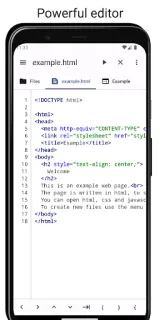
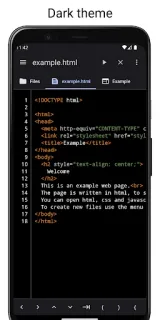
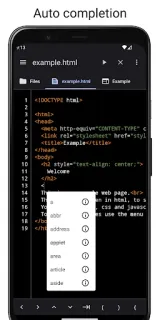
The editor offers Java code completion, real-time error checking, undo and redo, and automatic backup if you leave without saving. It also supports tabs and arrow keys that may be missing from a virtual keyboard. The built-in terminal provides Android shell commands, including basic Unix commands such as grep and find, while a file manager lets you copy, paste and delete files without leaving the app. That makes it more immediate than opening a remote desktop for a small task. For safekeeping, keep important work in cloud storage as well; an in-app backup is not the same thing as a separate copy.
Code Studio offers in-app purchases, so check the Google Play listing for purchase details before you commit to a workflow. The app’s described tools center on editing, shell access and file management; I wouldn’t assume it will send useful coding alerts or replace a dedicated notification system. Android notification controls can help keep interruptions manageable: review the app’s notification settings if it requests permission, and leave alerts off if you don’t want them. Avoid relying on automatic backup as your only copy of important files.
I’d install it for learners following online courses, or for someone who wants to read and make modest Java or web edits on a phone. It may suit a quick practice task better than a CRM or business email workflow, which calls for a different kind of app. Skip it if your work depends on a large-screen IDE, complex project tools, or alerts you can count on to manage deadlines. Check the Google Play listing below, then decide whether its editor and purchase terms fit your routine.
 TroubleshootingCode Studio