A spare room needs a rethink, but you have only a photo and a rough idea of the mood. This app’s home-design tool lets you upload the picture, choose an interior style and color palette, then generate a design direction. I’d treat the result as inspiration to discuss or refine, not a finished renovation plan. That quick visual starting point is where the broad feature set can earn its space.
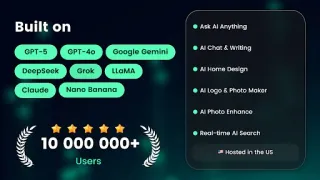
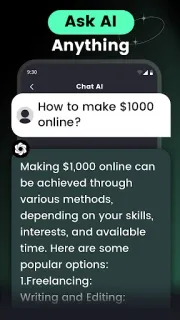
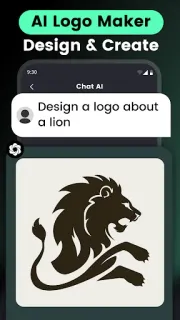
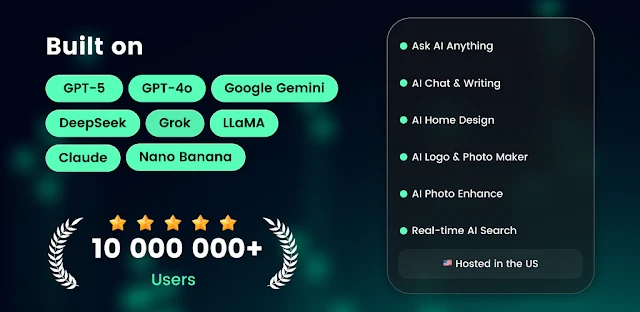
The app combines an AI chat assistant with image and task tools. The listing describes art and image generation, logo and tattoo design, photo enhancement, voice chat, real-time search, photo recognition, plant identification, and summaries of PDFs, DOC files and webpages. It also presents the assistant as useful for learning and general questions. That makes it a possible companion for brainstorming alongside project management, though it is not itself a project tracker. The latest update notes describe improved feature interaction, including Logo Maker results, plus bug fixes.
The trade-off is that one app brings together many kinds of input and output. Before sharing a room photo, document or voice request, check the permissions Android requests and grant only what fits the feature you want to use. Review the app’s privacy information and any account prompts before entering personal or work material; a cloud storage habit of keeping sensitive files private is worth carrying over here. The listing flags both ads and in-app purchases, so check the Google Play details and any in-app purchase screen for costs before relying on a feature. Keep confidential documents and identifying photos out unless you are comfortable with the app’s stated handling of them.
I’d install it if I wanted several creative tools in one place and was comfortable checking permissions, account prompts and purchase terms as I go. It may suit someone sketching a logo, testing room styles or getting a first-pass summary of a document. I’d skip it if I need a focused work tool, a clear privacy setup before sharing sensitive material, or a dependable substitute for business email and cloud storage. For a closer look at the developer and store details, use the Google Play button just below.