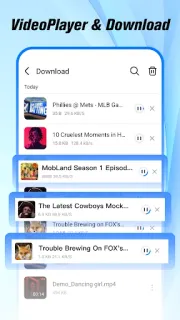
A practice schedule is loading while you’re standing where the mobile signal barely holds. Open Browser can still earn its place if you already saved a video or document: its built-in player and file manager bring those items together, without a hunt through separate apps. That is a useful distinction on a commute or in a gym with patchy reception. A saved file is the part to count on when pages stall; a fresh search is not.
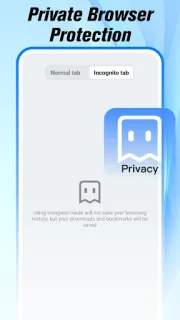
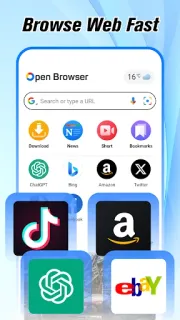
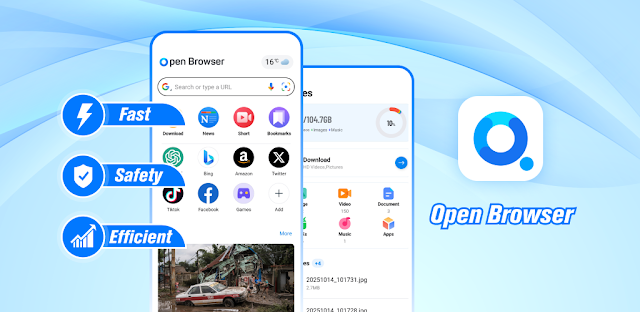
The app combines ordinary web browsing with an Incognito Mode that avoids saving browsing history, cookies or cache. It also offers a built-in video player, file management for images, documents and videos, a news feed and weather updates. The description says videos can be kept for offline viewing, which makes that feature the clearest fit for a weak connection. News, weather and websites still depend on getting information over the network, so I would open those while the signal is working. A laptop may be better for sorting a large folder, but this setup covers quick phone tasks.
Keep expectations grounded: a lightweight browser cannot make a dead connection work, and private mode is about local browsing records, not a promise that every website interaction is private. Video playback also depends on having a compatible saved file and enough room on the phone. Before installing, review the Google Play listing for requested permissions and any in-app purchases, then decide whether its news feed and file access fit your habits. On a mid-range Galaxy A-series phone, I’d also watch available storage if I planned to keep several clips.
I’d consider it if you want a browser that can also handle saved videos and everyday files, especially when you sometimes lose signal. I’d skip it if your main need is live news, current weather or uninterrupted web access in places with poor reception; those tasks still need connectivity. It is not a substitute for a strong home connection, a laptop for detailed work or a smart TV for a bigger screen. If offline playback and a tidy file shelf sound useful, use the Google Play button just below to check the listing before you install.