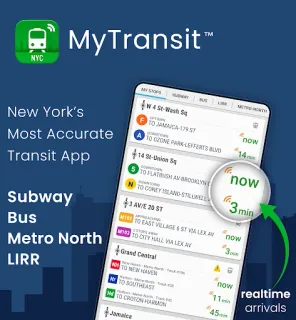
A subway ride turns into a bus connection, and the stop you need is on the other side of a busy avenue. MyTransit can help you check the subway map, bus route map and arrival information before you choose whether to stay on the train or change plans. That’s its best use: keeping a multi-part trip legible when you’re moving between boroughs or connecting with regional rail. For an airport journey, it can help with the NYC transit portion; keep your flight details in a separate travel booking app.
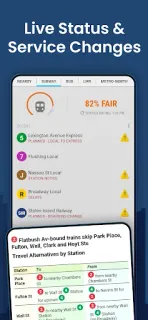
The app covers NYC Subway and MTA buses, plus Long Island Rail Road and Metro-North. Its listed tools include maps, live arrival times, schedules, directions and alerts. That makes it handy when a trip crosses services: check a subway route, look up a bus, then consult rail schedules without switching among several transit apps. The developer’s update notes also point to current subway and bus maps and rail schedules, so the app is aimed at routine city travel as well as visitor navigation.
The trade-off is that MyTransit contains ads and offers in-app purchases. If you want a minimal screen or prefer not to see purchase prompts, that may be a reason to choose another option. Transit times and service can change while you travel, so I’d treat the app as a planning aid and check station signs or service announcements when a connection is tight. It is focused on MTA-area transit, not flights, hotel deals or vacation packages.
I’d install it if your New York plans mix subway, bus and commuter rail, or if you want maps and schedules together while exploring. Skip it if you only need a single subway map, already rely on another route planner, or want an app without ads or in-app purchases. For travel booking beyond the airport leg, use a separate service. Check the Google Play button just below if MyTransit fits the way you travel.