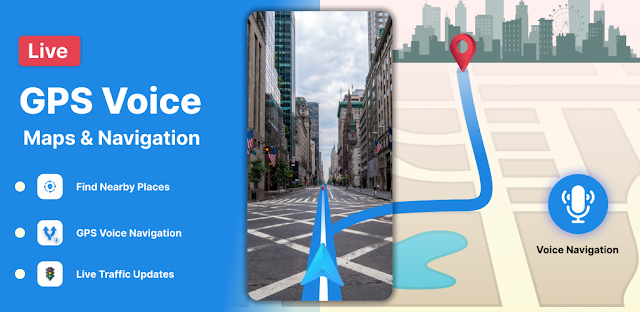
The final turn is easy to miss when a destination sits behind a row of shops or on a busy frontage road. I’d use the map’s street view to check the approach before setting off, then rely on voice guidance to keep my eyes on the road. That visual double-check is the app’s clearest practical draw; it is more useful than another pin when the address alone leaves you guessing.
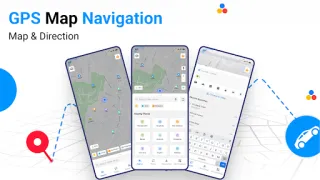
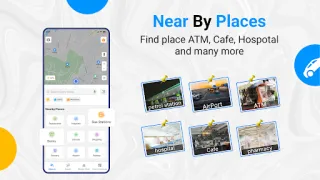
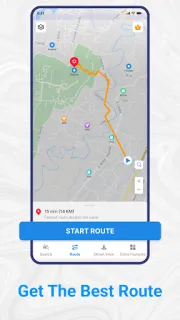
The app combines GPS route guidance with street-level imagery and satellite views, and its description offers routes for driving, walking, cycling and public transport. It also promotes traffic information, nearby-place search and directions to spots such as airports, restaurants and ATMs. Those tools could help with the route to an airport or while comparing a hotel’s surroundings with nearby roads. A map view can help with orientation, but I would treat imagery as a preview, not proof that a road or entrance is currently accessible.
Privacy needs a separate check before you grant location access. Navigation needs your position to guide a trip, but the exact permissions and account setup depend on the app’s current Google Play details and Android permission prompts. Review those screens before proceeding, and allow location only if the feature you want calls for it. The listing also flags ads and in-app purchases, so expect advertising and check purchase details before tapping anything that costs money. For travel booking, hotel deals or a loyalty program, this is a route-finding tool, not a substitute for those services.
I’d consider installing it if street-level previews and voice directions are useful on unfamiliar drives, walks or cycle trips. I’d skip it if you want a quiet, minimal map, prefer not to grant location access, or need a confirmed live view of every road and entrance. Traffic and imagery can change, so check the route and local signs when conditions matter. If that trade-off fits, use the Google Play button just below to review the app before installing.
 CompareGps Map Navigation &