A family chat is full of competing dates, but nobody wants to repeat the same flight search. I’d use this app to look at Turkish Airlines options, save a flight to revisit and share the chosen details with the people helping plan. It gives a group a concrete starting point; everyone still needs to agree on the itinerary before one person makes the reservation.
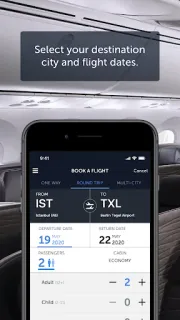
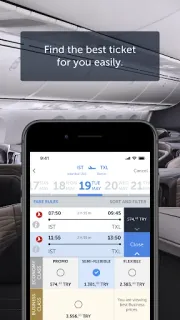
The app supports reservations, ticketing, check-in and viewing registered flights. It can remember selections and flights, and offers city guides with places to visit, food suggestions and airport transfer information. Special offers are another reason to browse when dates are flexible. For a small team, that can help with comparing a trip outline and keeping the airline’s travel tasks close together, rather than relying on one person’s memory of every search.
Keep the airline boundary in mind: this is most useful when the trip involves Turkish Airlines, not as a general trip planner for comparing every carrier. A saved flight is a way to return to a choice, not a substitute for confirming passenger details, dates and fare conditions before ticketing. Check the total shown during booking, since the app’s free-to-install status does not mean every trip is free. Reservation, check-in and Miles features may involve signing in or entering travel details, so have the relevant information handy.
I’d install it if I’m coordinating a Turkish Airlines trip with relatives or a small work group and want the booking and check-in steps together. I’d skip it as my main travel booking tool if the group needs to compare airlines, build vacation packages or arrange car rental in one place; this app is centered on its airline. Before committing, compare the itinerary with everyone and confirm who will manage the reservation. Use the Google Play button just below to open the listing and decide if it fits your trip.