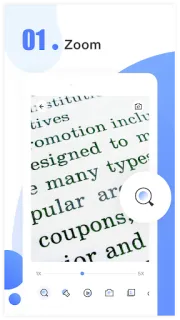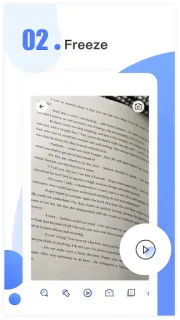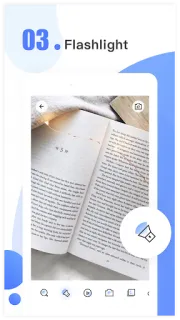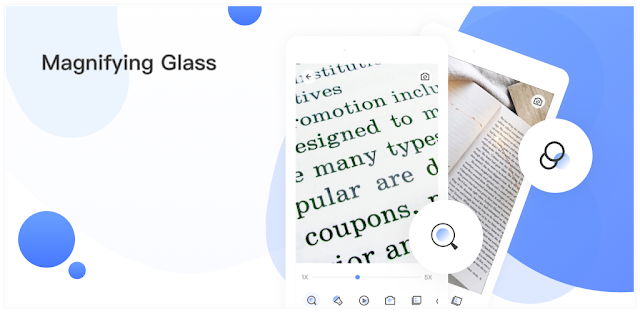
A faint model label on the back of a Wi-Fi router can turn a simple setup task into a squinting contest. I’d open Magnifying Glass, point the phone at the label and use the on-screen zoom to enlarge it. In a dim cupboard, the flashlight may help light the lettering; for a still look, freeze the image and inspect the captured view. That is the sort of quick, awkward job where keeping a magnifier app handy makes sense.
The app turns the phone camera into a digital magnifier, with zoom from 1x to 10x, a flashlight, a freeze control and photo saving. Pinch with your fingers to zoom in or out, then freeze an image if the phone’s movement makes tiny details hard to follow. Saved photos can be useful when you need to compare a label with a laptop screen or take a closer look at a small component. The listing also suggests reading menus, cards and newspapers, or checking details on household items.
The first thing likely to get in the way is not the zoom: it is keeping the camera steady and the subject well lit. At high magnification, small hand movements can make text jump around, and a flashlight can help with darkness without guaranteeing that glare disappears. You’ll need to allow camera access for the core feature. The app contains ads and offers in-app purchases, so check the Google Play listing for purchase details before relying on it as a regular tool. It uses a camera view, not a dedicated microscope, so treat extremely fine inspection as a best-effort job.
I’d install it for occasional close-ups: a printed label, a hard-to-read menu, or a quick look at a small repair. It could also be handy for checking controls on a smart TV, but it is not a substitute for proper magnifying equipment when precision matters. Skip it if you need hands-free viewing, consistently sharp close-ups or a tool for detailed inspection. If those limits fit your use, the Google Play button just below is the next stop.