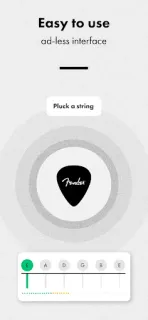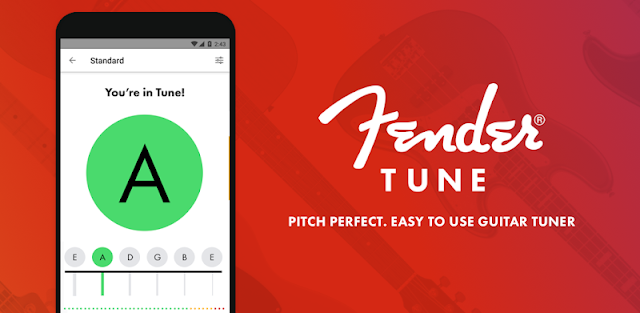
You’re about to start rehearsal, someone has already counted in, and one guitar string sounds off. Fender Guitar Tuner is built for that pause: open the tuner, pluck a string and use the on-screen feedback to bring it into tune before the next song. It’s a practical fit for a living room, practice room or quick check between songs, especially when you don’t want a separate tuning device in your bag.
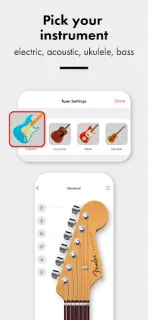
The app covers guitar, bass and ukulele, with automatic, manual and chromatic tuning modes. Auto mode listens through the phone’s microphone as you pluck; manual mode plays a reference tone when you select a string; chromatic mode detects notes across the musical scale, which can help with alternate tunings. Fender also describes a library of tuning presets and a metronome. That puts the core jobs—tuning and keeping time—in one music app, rather than turning it into a music streaming service or a video editor.
The main privacy trade-off is straightforward: automatic tuning needs microphone access to hear your instrument. If you’d rather not grant that permission, manual reference tones offer another way to tune, though they depend more on your ear. I’d check the permission request when you first choose a mode and review Android’s app permissions afterward if you change your mind. The app is free to install; check the Google Play listing for any in-app purchase details before you install, and consider whether the tuner and metronome are enough for your needs.
I’d install it if you play guitar, bass or ukulele and want a familiar tuner with several ways to find pitch. Skip it if you need a tuner that works without microphone access and don’t want to use reference tones, or if you’re looking for a broader recording or music streaming setup. Account and privacy details are worth checking on the Google Play listing before you decide. If the trade-off suits your setup, use the Google Play button just below to open the listing.