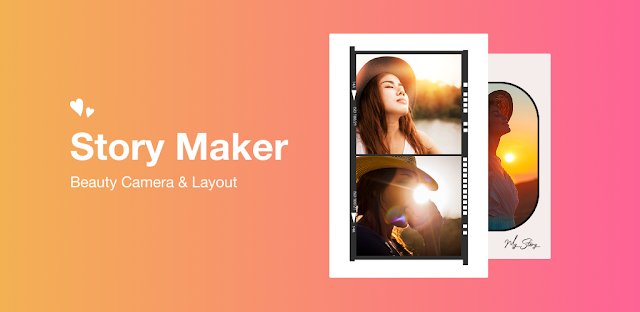
You have a quick portrait to share, but the lighting feels flat and the group photo needs a little personality. Beauty Camera puts filters, face effects, stickers and collage layouts in one editing flow, so you can polish a selfie or combine a few pictures without switching between separate tools. That mix is the app’s appeal: a small creative task can stay small, rather than turning into a search for the right editor. If you like playful touches, the first ten minutes can go toward trying a filter, adding a frame and seeing whether the result feels like you.
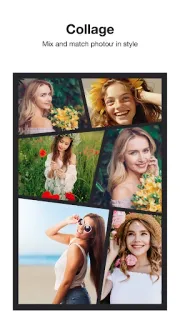
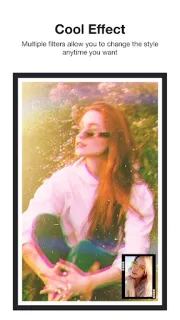
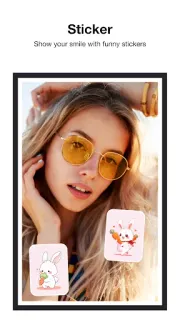
The listing describes a photo editor with one-tap filters and retouch tools, virtual makeup and face effects, plus stickers, frames and colorful backgrounds. You can draw or write on a picture, add custom text, rotate, zoom or flip images, and build a collage with as many as six photos using a range of layouts. The filter styles include vintage, black-and-white and soft focus. It is a focused set of portrait and collage tools, not a full graphic design workspace or a general-purpose photo editing software suite. The listing describes decorating images you provide; it does not frame the app as a source of stock photos.
The practical catch is that the app contains ads and offers in-app purchases. That can matter if you want an uninterrupted editing session or prefer to avoid optional spending: check the Google Play listing before you install, then look over any purchase choices in the app before tapping through. The advertised tools give you plenty to try, but the best fit depends on whether you enjoy decorative effects. The listing also describes sharing to social platforms, so review the image and destination before sharing; a finished selfie can include personal details in the background.
I’d consider it for casual selfie edits, cute borders, handwritten notes on photos or a quick collage for a family album. Skip it if you want a restrained editor, a broad graphic design toolkit, or an experience centered on organizing a large photo library. For a first look, choose one portrait and try a filter before adding makeup effects and stickers; that makes it easier to tell whether the style suits you. Check the Google Play button just below to see the listing before you install.
 TroubleshootingBeauty Camera