A practice ends, everyone is hungry, and the group cannot agree on what to get. I’d use Denny’s app to look up a nearby diner, settle on orders together, and choose pickup, curbside or delivery. You can place an order for now or later, which helps when the meal needs to fit around a family schedule or a team gathering. It is a practical option when one person is coordinating, rather than a tool for comparing restaurants.
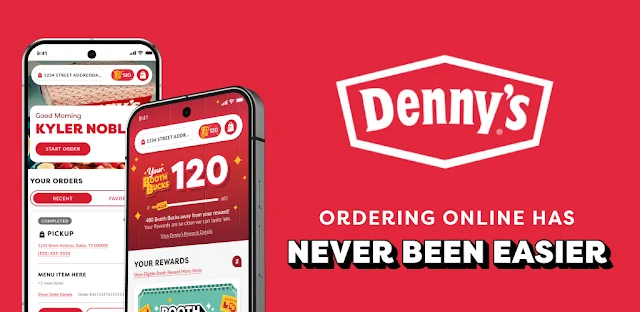
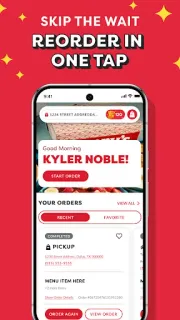
The app handles online ordering from a local Denny’s and lets you save favorite orders for a quicker return visit. Denny’s Rewards adds offers and Challenges; members can apply eligible offers during checkout or redeem them in-store through the app. The listed perks also include a free Everyday Value Slam for a member’s birthday. A recent app update introduced BoothBucks and a refreshed communication-preference confirmation screen, alongside bug fixes. For a group, saved orders can help the organizer repeat familiar picks, while each person can weigh in before checkout.
Rewards depend on signing up for the Denny’s Rewards program, so ordering and earning member perks are separate decisions. Offers have to be available and applied or redeemed through the stated checkout or in-store steps; don’t assume every order qualifies. Delivery availability can depend on the local diner and order details, and delivery may involve charges shown during checkout. I’d review the final order before placing it, especially when coordinating several people or choosing a later time.
Install it if your household or small team returns to Denny’s, wants to coordinate a pickup, or expects to use member offers. It is less useful if you rarely eat there, prefer to decide at the counter, or need a single shared order to reflect several people’s preferences without an organizer reviewing it. Check the local diner and checkout options before relying on a particular service. The Google Play button just below is the next stop if that fits your routine.


 TipsDenny's