A practice is about to start, and the sky over the field is changing faster than the team can pack up. I’d check the hourly forecast, then look at wind direction, precipitation and the rain map before deciding whether to move indoors. That combination is more useful than a single temperature when a short shower could disrupt a plan. It still calls for judgment: a forecast is a guide, not a promise about what will happen over one field.
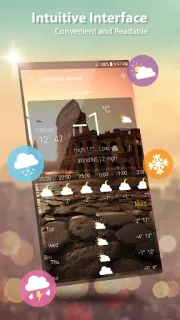
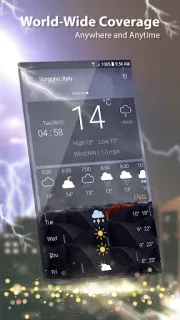
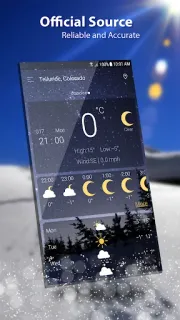
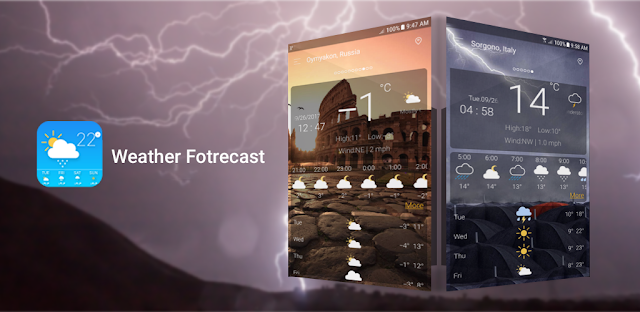
Weather can use GPS to show conditions for your current location, and it also lets you search for places around the world. The forecast view covers the current conditions, hourly outlook and a multi-day forecast; the description gives different ranges for future forecasts, so I’d use it for planning rather than assume every view covers the same span. It includes Celsius and Fahrenheit, sunrise and sunset by local time zone, plus humidity, pressure, visibility, dew point, precipitation and wind details. Weather radar and rain maps add a visual way to inspect what may be approaching.
The first snag is location: enabling GPS is the quick route to local weather, but you can search for a place instead if you would rather not grant location access. Ads are part of the app, and in-app purchases are offered, so check the Google Play listing for purchase details before you commit to using it regularly. Notifications can also become clutter if you allow more than you need; review Android’s app notification settings and keep only alerts that help with a real decision. For a smart thermostat or car maintenance routine, treat this as context, not a substitute for the device or schedule you already rely on.
I’d consider Weather if I want one app for a local glance, a trip destination and useful details such as wind, humidity and sunrise. It is less appealing if ads get in the way, if I want a forecast without location prompts, or if I need a highly specific guarantee for a narrow time and place. For weather alerts, check the app’s notification options and Android permissions before relying on them. If that trade-off fits, the Google Play button just below is the place to check the listing and install it.