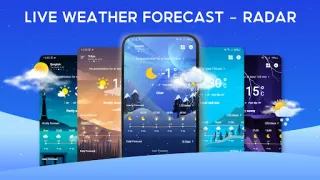
A field practice is about to start, but the clouds are thickening and reception at the park is down to a bar. I’d check the forecast while the phone still has a connection, then keep the screen’s hourly outlook handy as a reference. That is the sensible way to use a weather app when coverage is unreliable: load what you need before leaving, rather than expecting fresh radar or alerts to arrive in a dead zone.
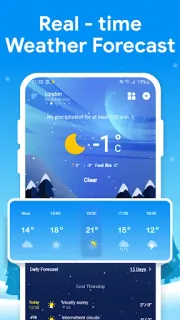
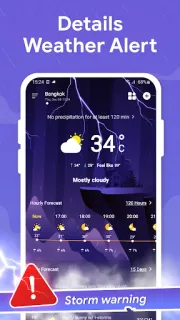
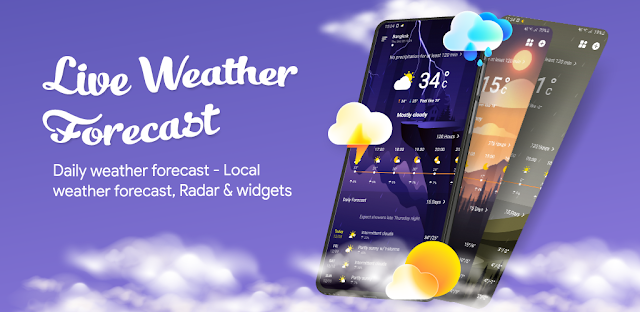
The app brings local conditions together with hourly and longer-range forecasts, rainfall information, radar, temperature, wind, precipitation, pressure and sunrise or sunset times. It also presents air-quality readings and measures such as humidity and UV index. The listing describes coverage across many countries and cities, plus minute-level rain and snow information. Those details can help answer practical questions—whether to pack a layer, move an outdoor session indoors or check conditions before a drive. Forecasts and radar depend on current data, though; offline access should not be treated as a substitute for a live connection.
For weak-signal use, the key distinction is between information already loaded and information that needs a fresh connection. A cached forecast may remain visible for a while, but changing conditions, radar movement and severe-weather notices can become stale or fail to refresh. I’d open the app on a reliable connection before travelling and check the time shown on its data, if available. Ads and in-app purchases are part of the listing, so expect advertising and review any purchase prompt before proceeding. Keep location access in mind too: a local forecast is most convenient when the app can identify the area, while choosing a location manually may be an alternative.
Install it if you want a broad set of weather details in one place and can usually check them before entering a low-coverage area. It may also be handy for planning car maintenance around rain or cold snaps, but it is not a dependable live feed without connectivity. Skip it if you need guaranteed offline radar or instant warnings in a signal gap. For anything time-sensitive, check conditions again when you regain service; then use the Google Play button just below to review the listing before installing.