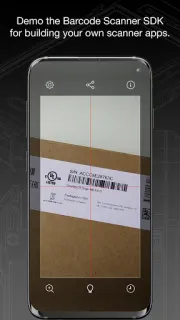
A label on a Wi-Fi router, laptop or wireless printer can carry a code that a basic QR reader won’t handle. Barcode Scanner is built for that broader job: point your phone at the label when you need to identify a product code or inspect a more specialized mark. I’d find it useful for checking mixed equipment labels, especially when the alternative is searching each format by hand.
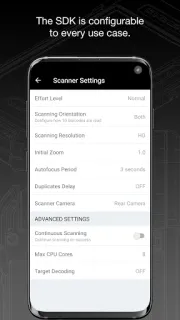
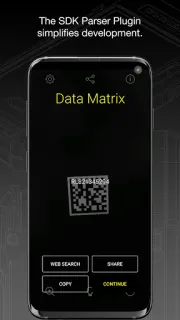
The app supports more than 30 barcode types, including UPC, QR, GS1, Data Matrix, PDF417 and DotCode, alongside formats such as Aztec Code, Code 128 and EAN. Its parsers can examine structured data in formats including GS1, IUID and AAMVA license codes. That makes it more than a simple QR reader, though the benefit is clearest when you encounter those varied codes regularly. For an occasional shop scan, the extra breadth may be unnecessary.
The app is free to install, but that alone doesn’t settle what it costs over a year. Before relying on it, check the Google Play listing for any in-app purchases or subscription terms and whether a recurring charge fits your use. Scanning also calls for camera access; I’d grant that when using the reader and review Android’s permission controls if I stop using it. Keep a note of important results elsewhere rather than treating a scanner as an inventory system.
I’d install it for work or personal projects involving varied product, equipment or logistics labels, particularly if structured codes come up often. I’d skip it if I only need to scan the occasional QR code and already have a reader that does the job. A smartwatch or smart TV isn’t the reason to choose this app; its case is the range of barcode formats on phone-visible labels. Check the Google Play button just below for the purchase details and current app information before you install.