A prototype can look tidy on a computer and feel awkward on a phone. Adobe XD is for the moment you want to tap through the design on an Android device and check whether each transition makes sense at its intended size. That quick, on-device view can catch a confusing screen before you pass the work to someone else. It is especially handy when the interaction matters as much as the layout.
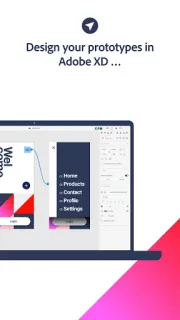
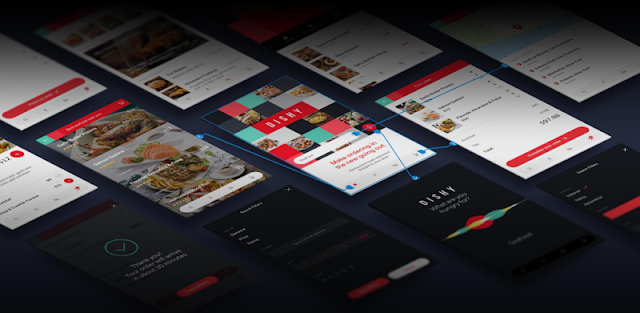
The app previews Adobe XD designs with their transitions in real time. The developer describes two routes: connect by USB from macOS, or load a design as a cloud document. That makes it a focused companion for checking interfaces, not a general-purpose drawing tool. You might preview a smart home control screen, a 4K streaming menu, or a smart TV interface and see how the sequence feels on a real device. Your phone is the viewing surface; the design itself comes from Adobe XD.
The first setup choice is the one most likely to trip you up: USB preview is for macOS, so it is not the route to choose if your computer runs another system. Cloud documents are the alternative, which means you need access to the document in Adobe's cloud workflow and a working internet connection; a congested Wi-Fi router can make that path less convenient. The app is free to install, but check the Google Play listing for any purchase details and make sure you can access the XD work you plan to preview.
Install it if you already make designs in Adobe XD and want to inspect transitions on your own Android phone before sharing a prototype. Skip it if you need to create designs on the phone, work only with files outside Adobe XD, or expect USB preview from a non-macOS computer. If the cloud route fits your setup, open the Google Play listing using the button just below.