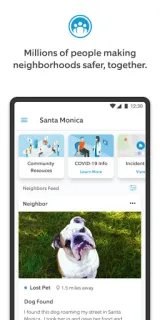
A street is blocked on the way to practice, and the usual route suddenly looks uncertain. Neighbors can help you see whether people nearby are discussing a safety issue before you head out. That local angle is the app’s strongest reason to keep it on your phone: it brings neighborhood reports and alerts together in a feed, rather than making you piece together chatter from several places. Treat a post as a prompt to check, not proof that an incident happened exactly as described.
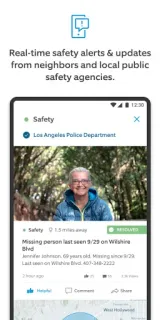
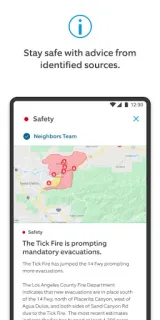
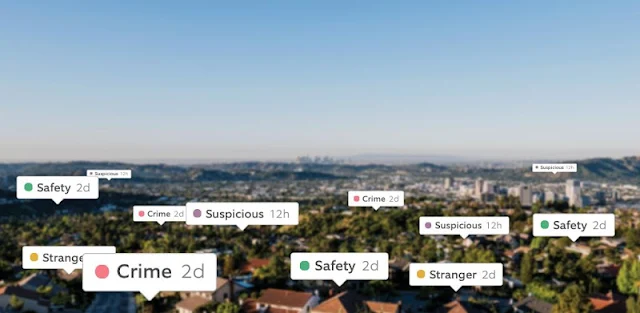
The app is built around real-time crime and safety alerts from neighbors and local law enforcement. Its purpose is to help people share what is happening in their neighborhood and stay informed about nearby concerns. That makes it more focused than a general news subscription, which may cover a wider area and take longer to surface a local event. It is still a phone feed, not a smart TV briefing; check it when you want updates close to home, not a full account of the day.
The useful part depends on a lively local community: a quiet feed may give you little to act on, while a worrying post can spread concern without giving the full picture. I’d cross-check important claims with local authorities or established local reporting. Neighbors is free to install, but check the Google Play listing for any in-app purchases before you begin. Read Ring’s privacy information and terms, and review notification and location access on your phone. If you use wireless earbuds, don’t rely on an alert sound as your only way to catch important information.
Install it if you want neighborhood-level safety chatter and will treat reports cautiously. Skip it if you want confirmed, comprehensive news, or if you would rather not receive community alerts; a local news subscription or official local authority updates may suit that job better. I’d also skip it if you know an active feed will make you check your phone constantly. If the local-alert trade-off fits, use the Google Play button just below to check the listing before installing.